
First, you should check whether a newer software version is available.
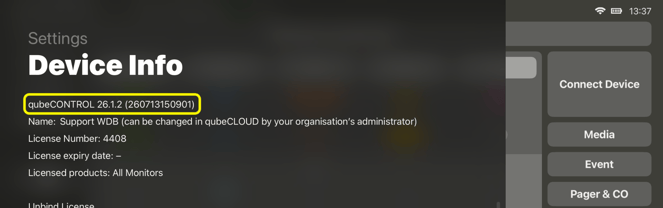
The currently installed version can be viewed within the relevant app. To do this, either tap the app logo (qubeCONTROL, e.g. qubeC3, qubeX, etc.) within the app, or swipe inwards from the left-hand edge of the screen to open the device information.
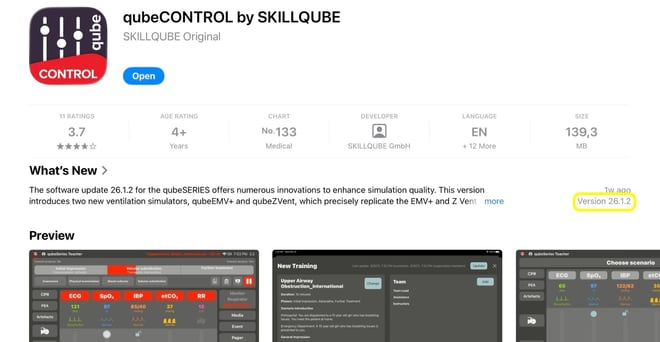
The version number is displayed in the device information, amongst other details. The latest available version can be viewed in the App Store.
If the latest version is already installed and the problems persist, please submit the following details to SKILLQUBE Support at https://de.skillqube.com/support using the contact form available there:
- App and iPadOS versions of all affected devices
- iPad model or iPad serial number of all affected devices
- Screenshots and/or videos of the error
- A detailed description of the error