
In qubeCLOUD you can manage users and their permissions easily and flexibly. In this article, you'll learn how to create new users, assign roles, and reset passwords.
Roles and permissions
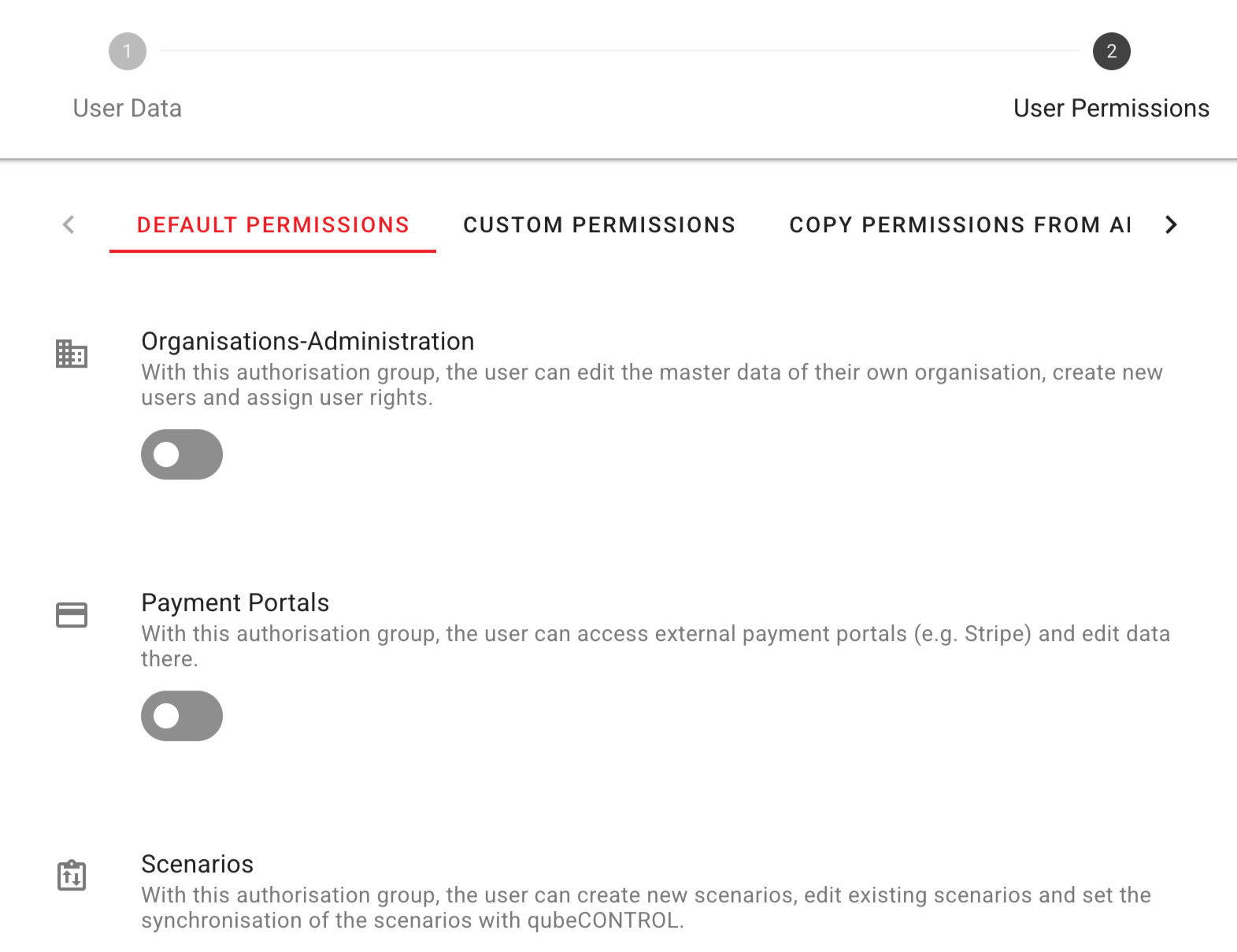
In qubeCLOUD there are three predefined roles with different permissions. All permissions can be further refined: read, edit, create, and delete.
Users with this role can manage the following items:
Device manager
- Activate and edit licenses
- View license key
- Check purchases
- Manage simulation content and settings (Simconfig)
Organisations-Administrator
- Edit the organization's master data
- Create new users
- Assign user rights
- Reset passwords
- Remove users from the organization
Scenario users
- Create new scenarios
- Edit existing scenarios
- The synchronization with qubeCONTROL administer
Create user
Only users with the “Organization Administrator” role can add new users.
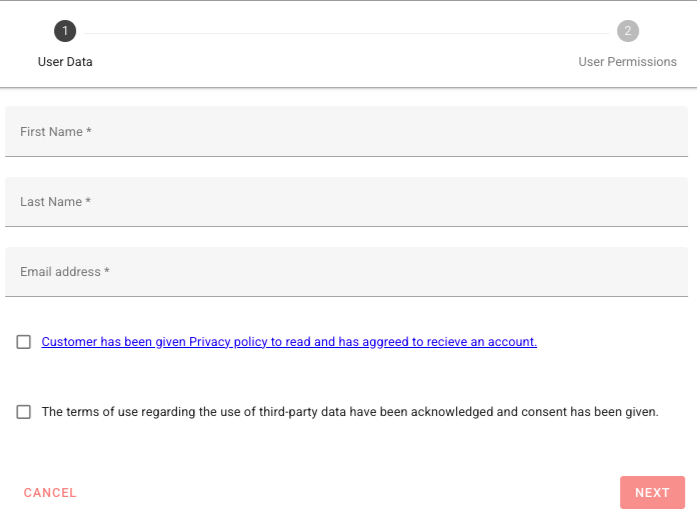
When creating a new user, you have three options:
- Create users with custom rights
You can define permissions individually and precisely control which functions the user is allowed to perform. - Create users based on an existing role
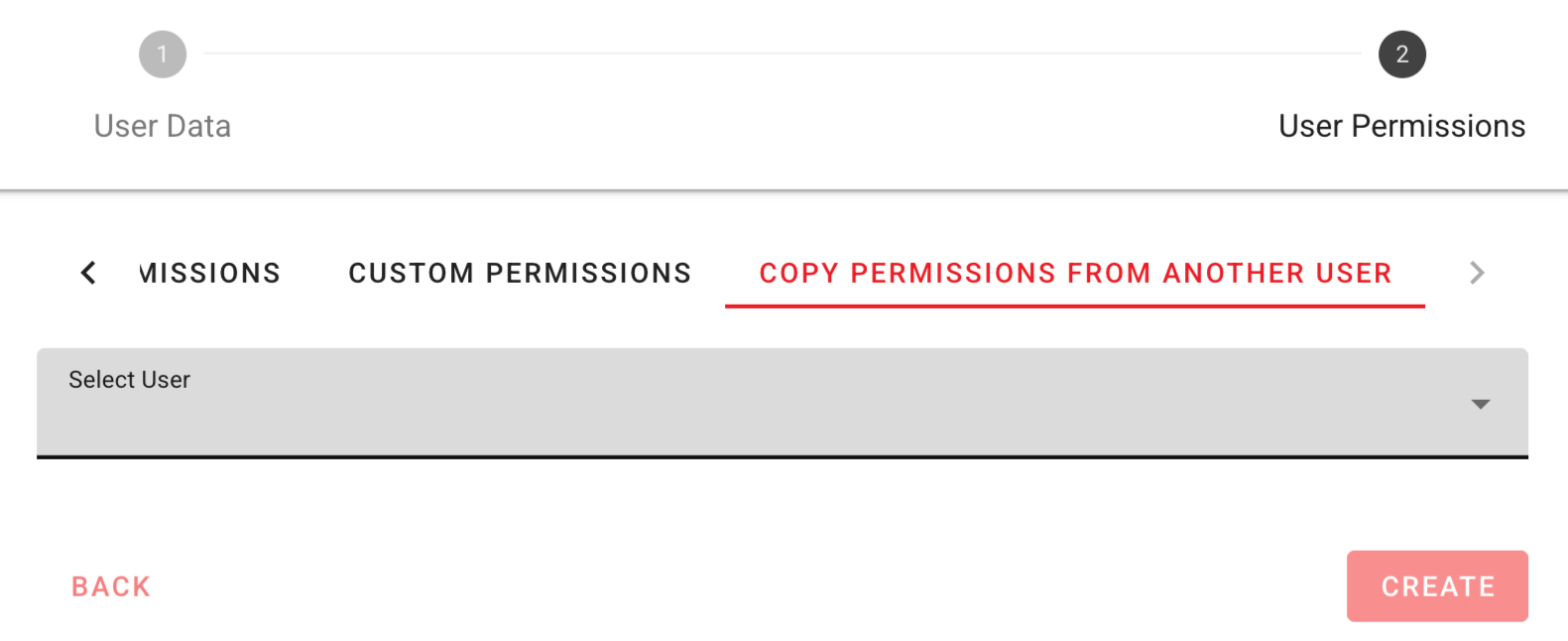
You choose one of the predefined roles: Device Manager, Organization Administrator, or Scenario User. - Create a user based on an existing user
The rights of an existing user will be transferred.
The following information is required to create the account:
- First name
- Last name
- Email Address
After saving, the new user will automatically receive an email. They can set a password. The password must be set within 24 hours, otherwise the link will expire.
Reset password
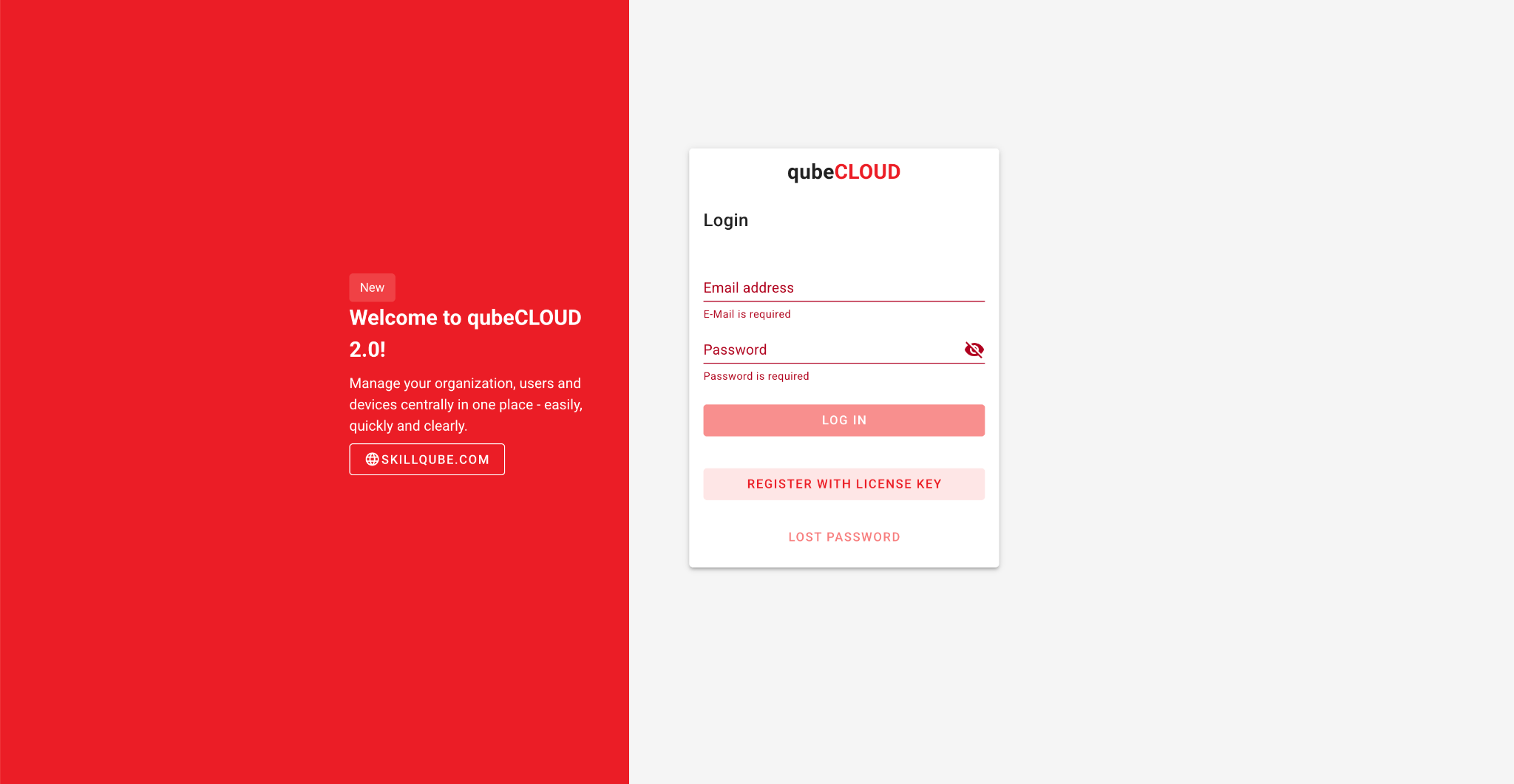
If a user has forgotten their password, they can use the "Forgot password" function via the login screen.
Alternatively, as an organization administrator, you can reset the password manually.
Remove users
You can remove users from the organization if they no longer have access to the qubeCLOUD required. Existing content, such as scenarios, will be retained.
Warning: Organization administrators can only be deleted if there is at least one other organization administrator and the user to be deleted no longer has any rights.
Further information
- A user can hold multiple roles simultaneously.
- The allocation of rights can be adjusted at any time.
- For maximum flexibility, you have the option of assigning custom permissions.