- First, access the settings of the respective system (iPads).

- After opening the settings, move down the left menu bar until you reach the "Apps" menu item and select it.
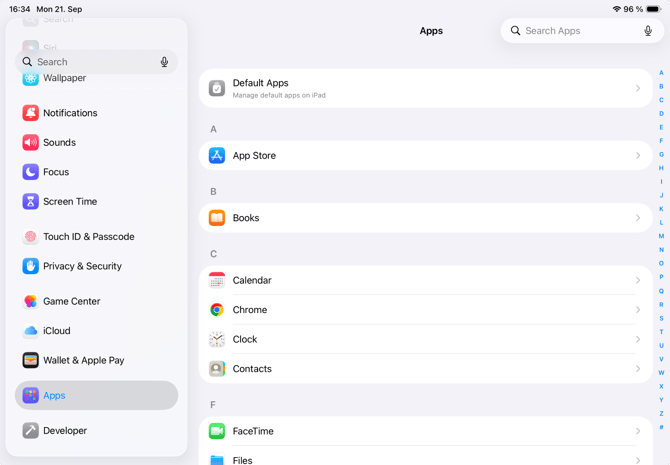
- Using the search bar in the top right corner of the screen, you can access the desired app, e.g. qubeCONTROL.
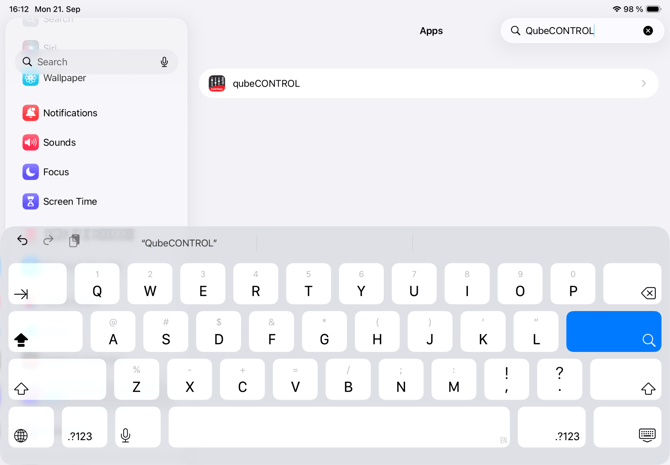
- After you have found the desired app, you can select it with your finger to access the individual settings.
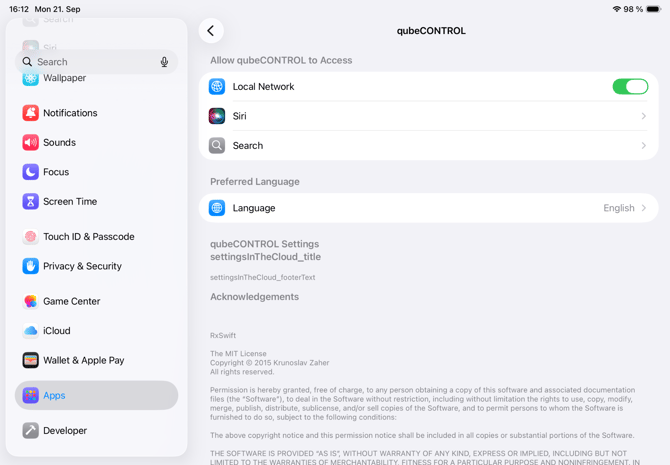
- Now you can click on the "Language" menu item. The option to change the language will then appear. The language with the blue checkmark is the currently used language.
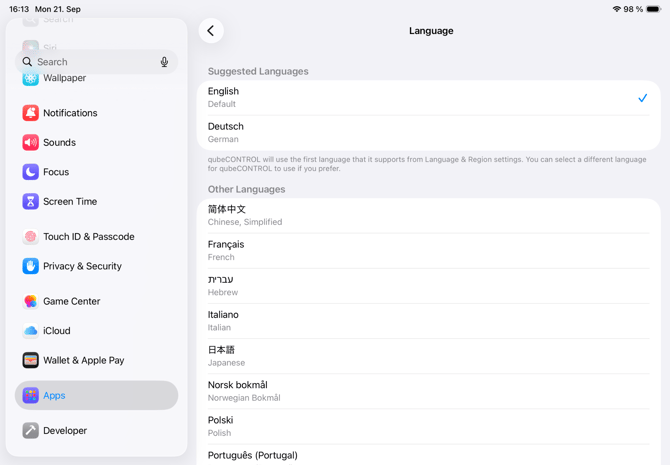
English
