
qubeCONNECT - qubeBOX - SpO2 calibration
To ensure reliable detection by the qubeBOX's SpO2 sensor, the sensor can be calibrated. This calibration is only necessary if finger recognition is no longer working reliably.
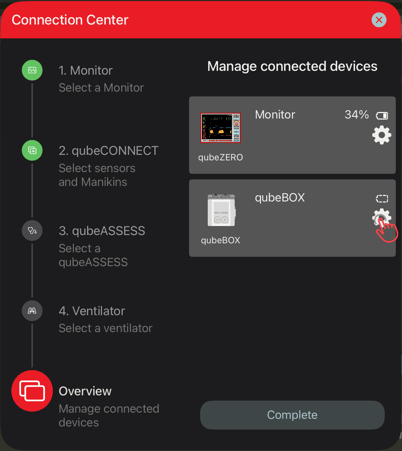
To start the calibration, the overview must be accessed in the connection center. There, the detailed view can be opened via the gear icon next to the qubeBOX.
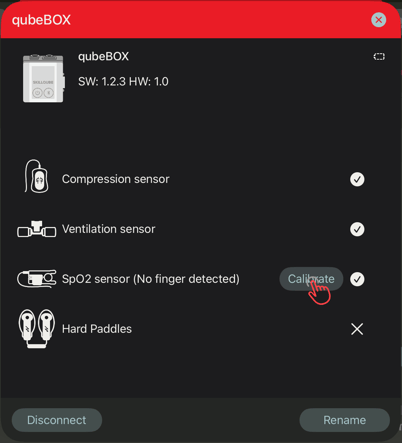
In the detailed view, there is a button to start the calibration. Once started, the calibration process is explained step by step.
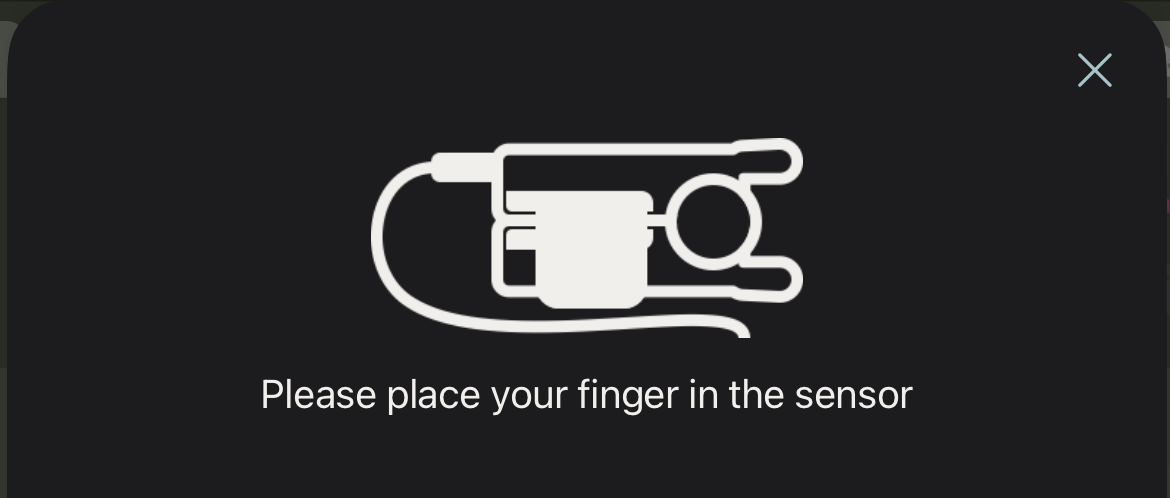
First, the finger must be placed in the sensor.
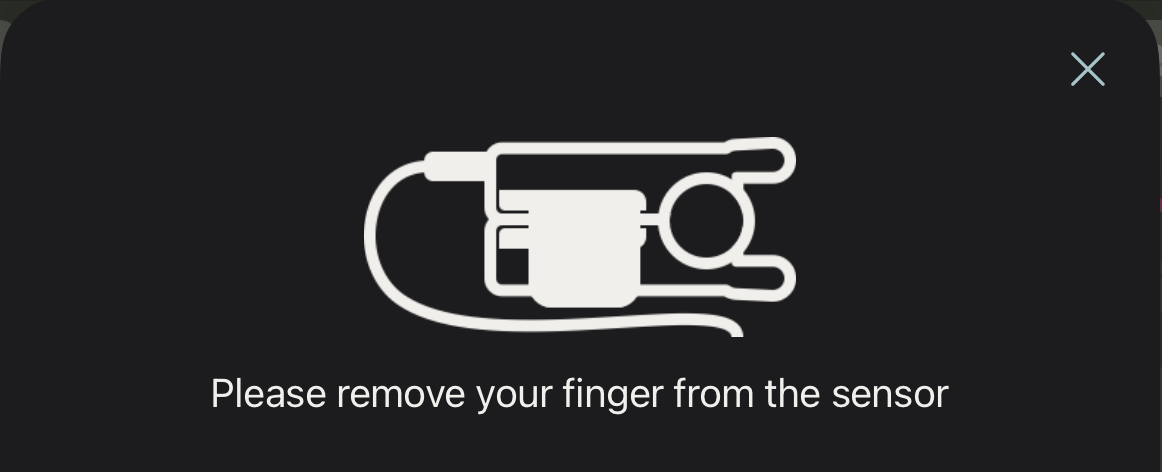
The finger must then be removed from the sensor.
A corresponding message will be displayed once the calibration is complete.
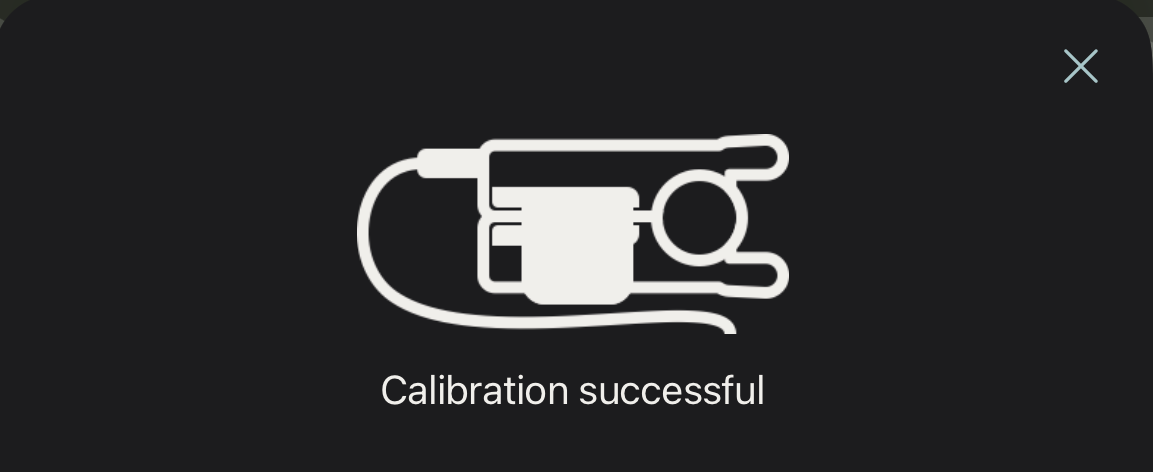
The sensor is now ready for use.