Connect with the qubeMONITOR and the qubeBOX.
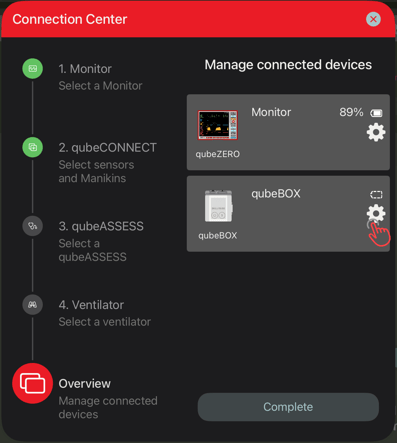
In the Connection Center, open the “Overview” and then click on the gear icon next to qubeBOX.
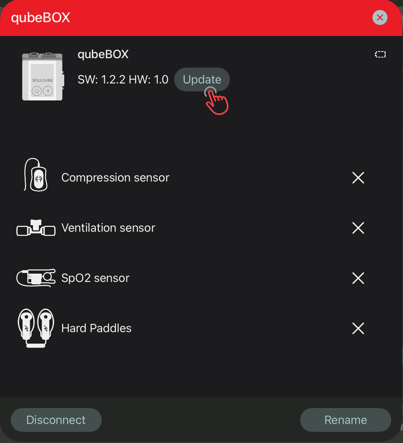
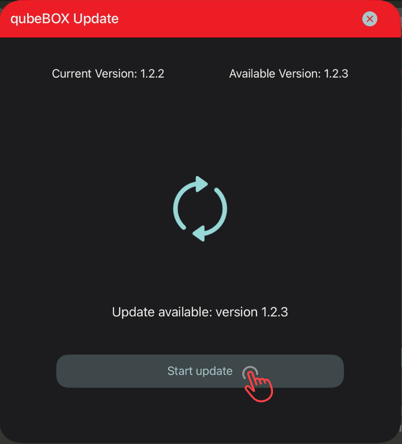
If an update is available, a corresponding button will be displayed. If no update is available, no button will be displayed.
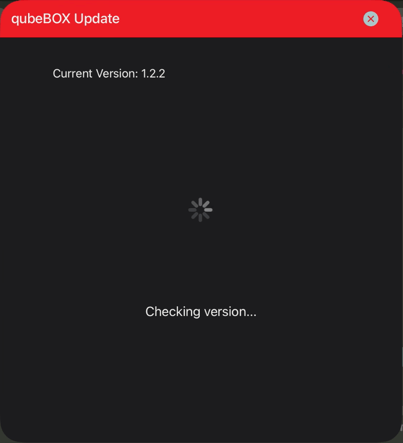
Clicking the button will first check the version.
The update can then be started.
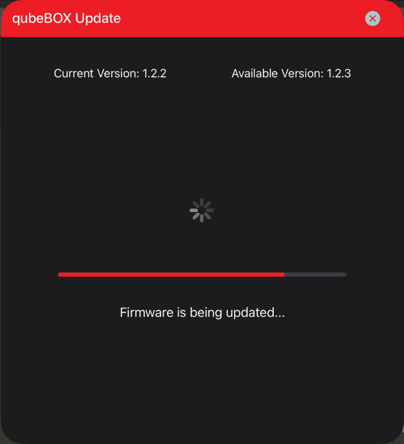
The qubeBOX should not be switched off or disconnected from the power supply during the update.be separated.
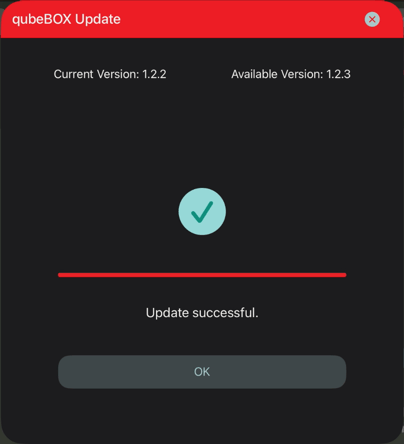
After the successful update, the qubeBOX restarts and must be reconnected.