
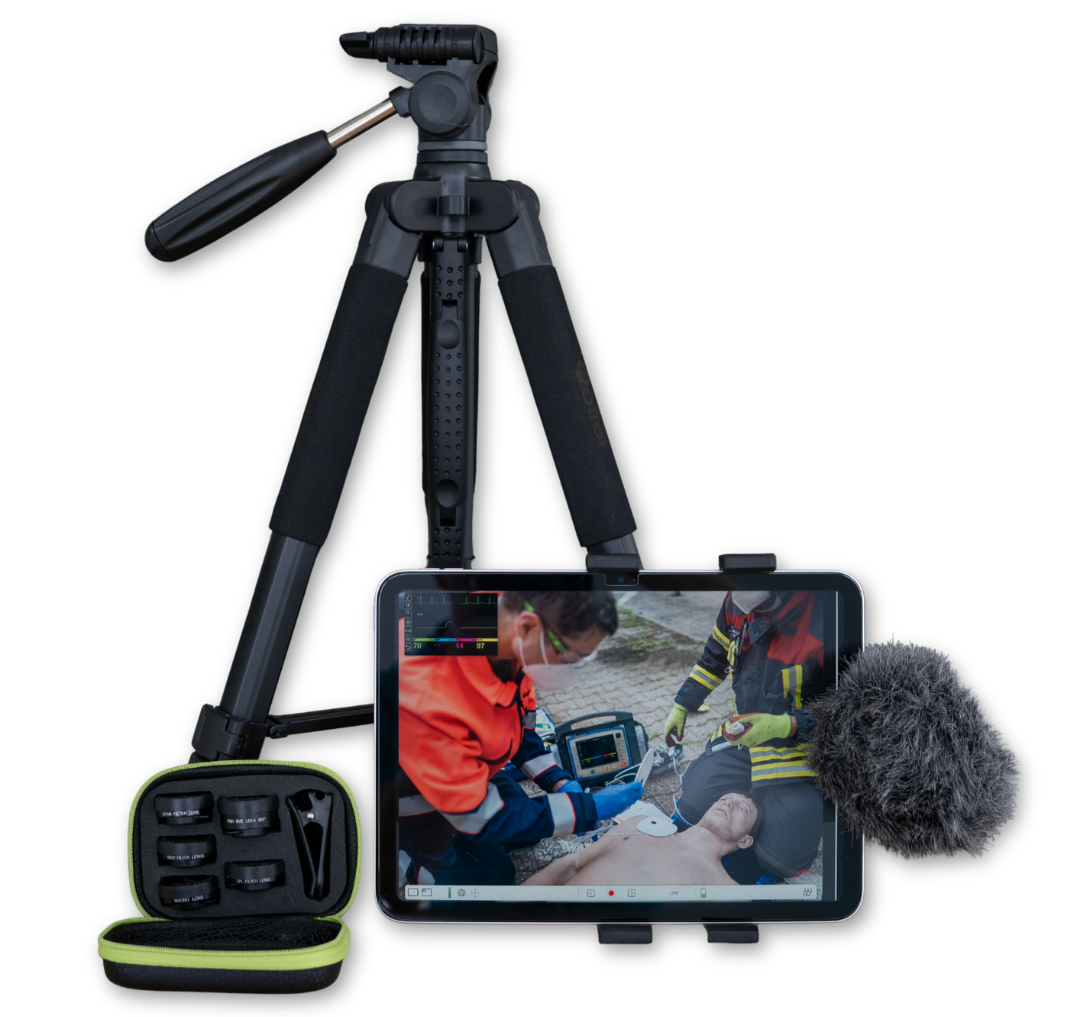
The qubeAVgo light includes the following components:
- 11-inch iPad, including a screen protector and power adapter
- iPad tripod
- USB-C directional microphone
- Clip-on lenses for the iPad
- Carrying case
To use the qubeAVgo light , just follow these few steps:
- Set up the tripod and mount the iPad on it
- Aim the iPad’s camera at the scene
- Optional: Attach one of the included lenses to the front of the iPad’s camera
- Optional: Attach and connect the included microphone. Depending on the date of delivery, the package may contain a microphone with a 3.5mm jack or USB-C. The microphone needs to be connected to the appropriate port on the iPad.