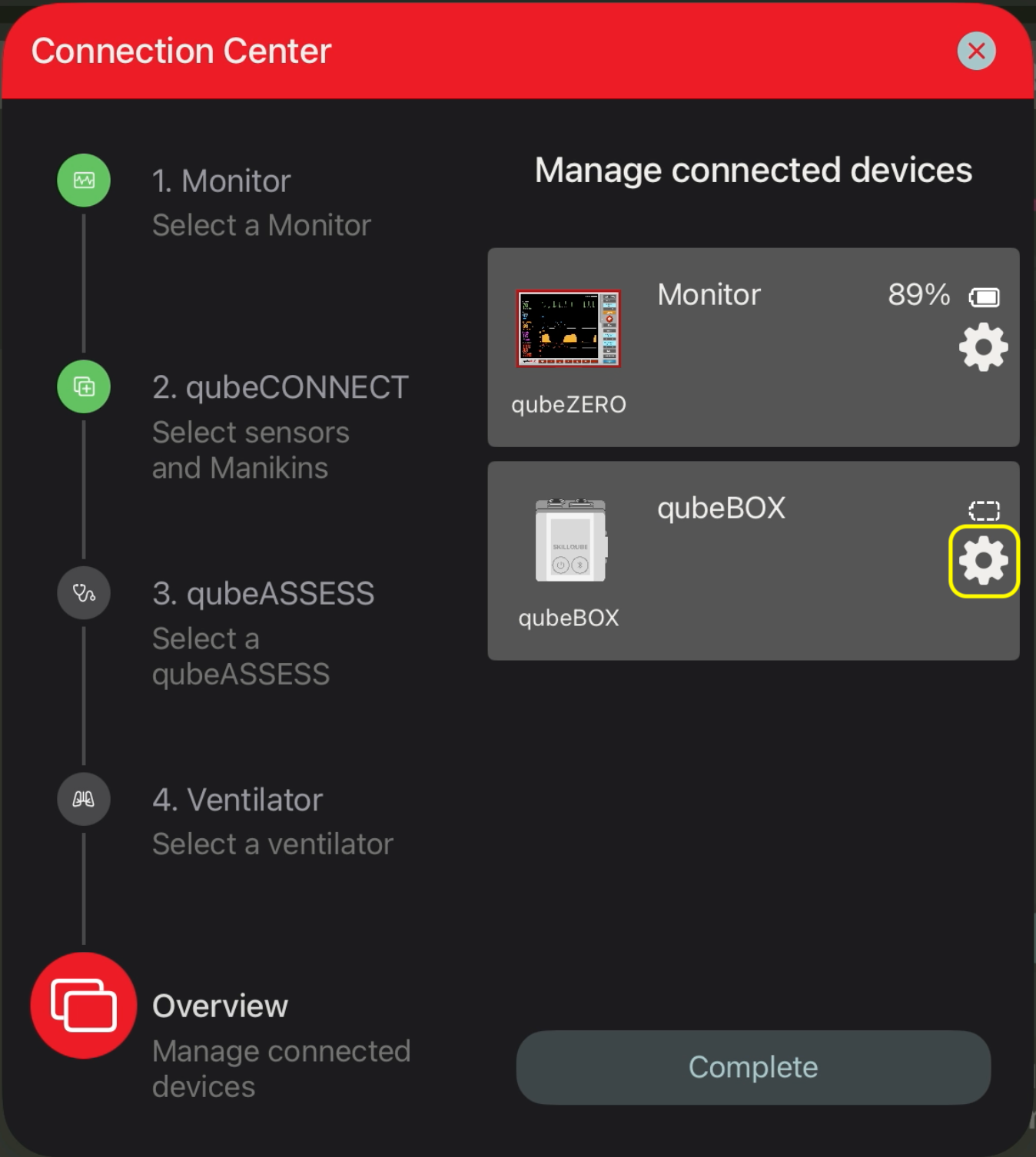
To connect the sensors, first connect qubeCONTROL and qubeMONITOR. Go to 2. qubeCONNECT in the Connection Center various external sensors can be connected.
After the sensors have been connected in the Connection Center under 2. qubeCONNECT, select the last item in the Connection Center Overview. A gear icon appears next to the connected sensor; click it to access additional settings.
The available settings vary depending on the sensor.
qubeCPR
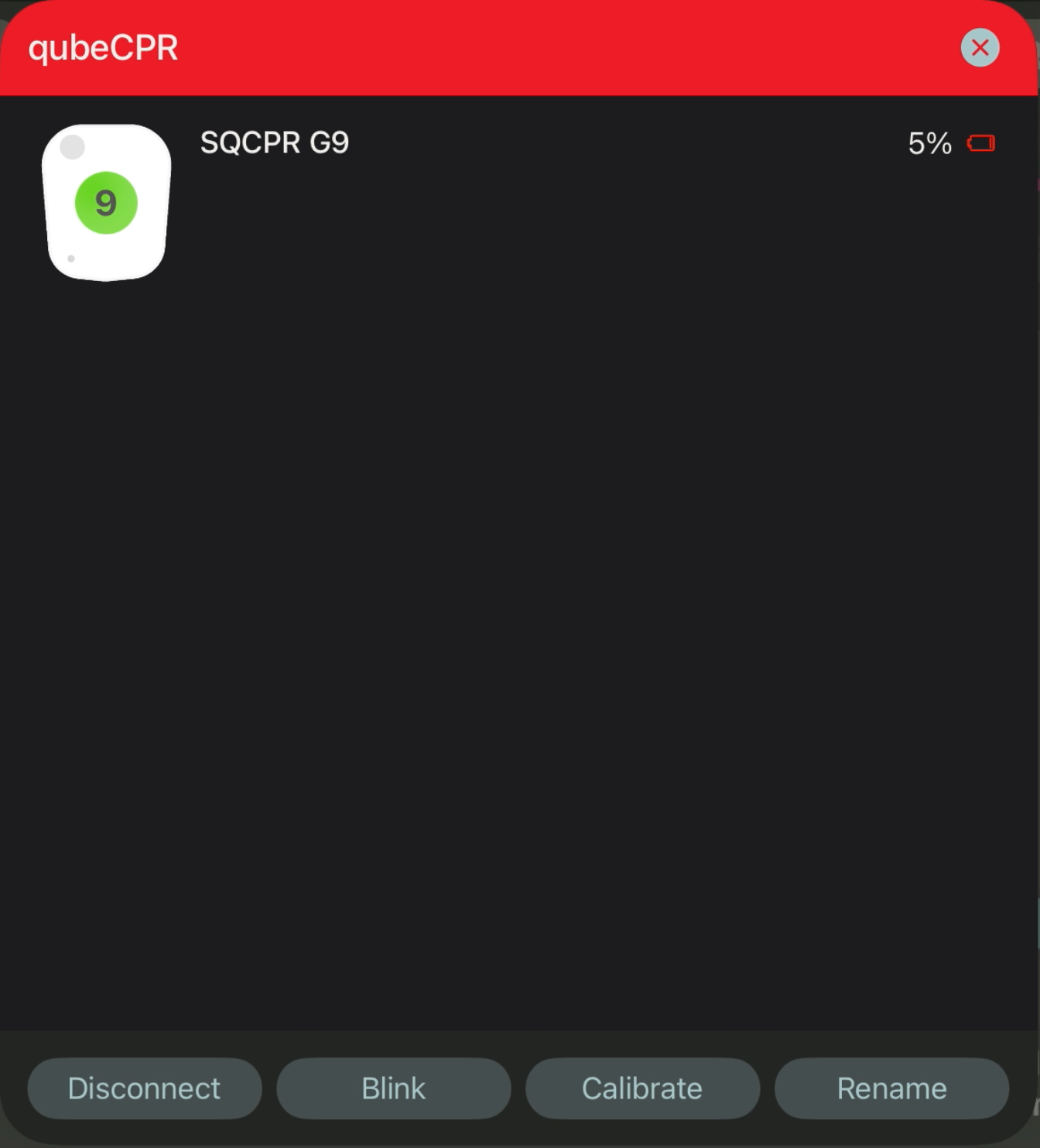
qubeCPR can be disconnected and renamed; the qubeCPR version is displayed at the top. Additionally, the sensor's integrated LED can blink. This blinking can aid in identifying the connected sensor.
qubeAIRFLOW
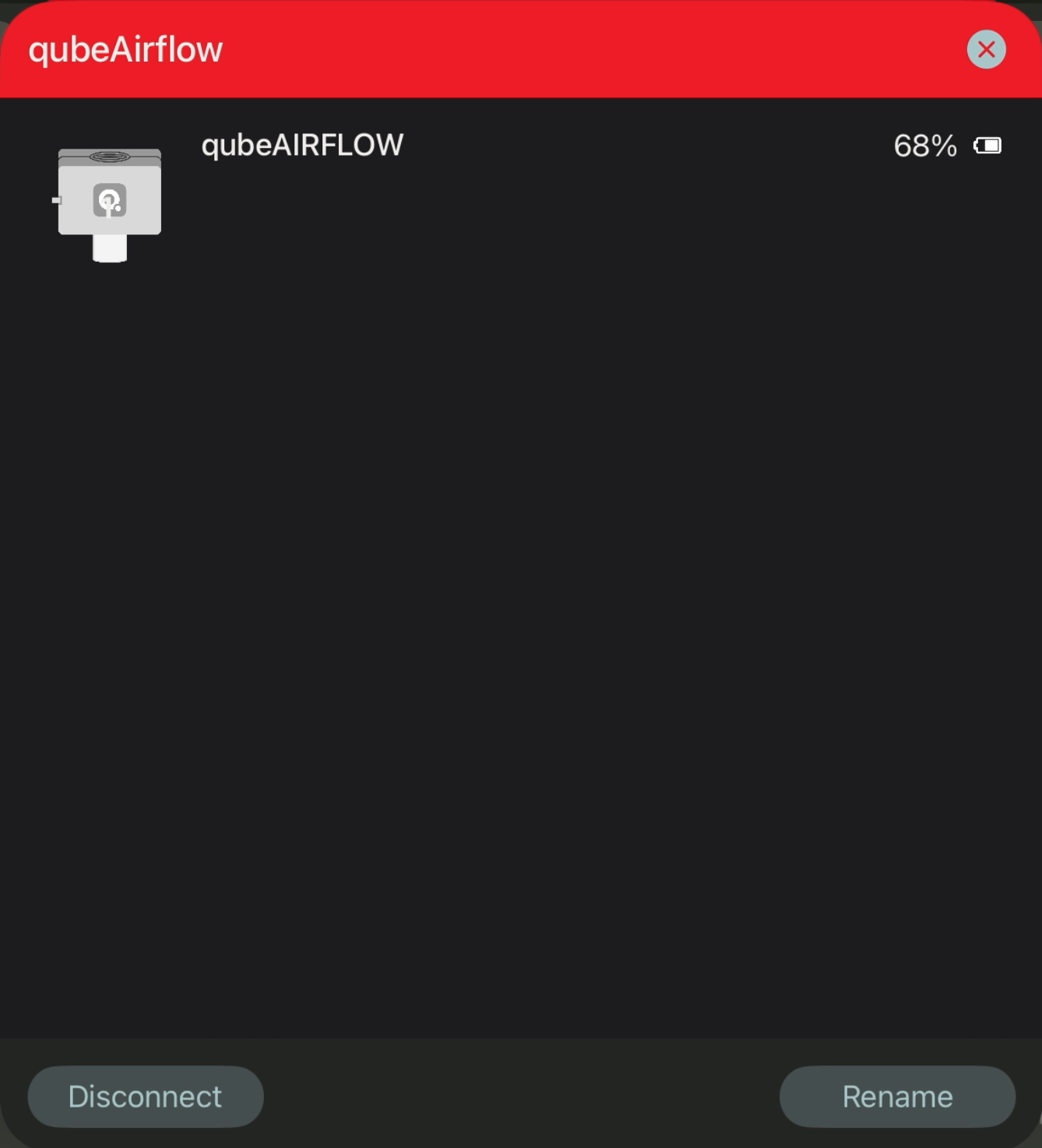
qubeAIRFLOW can be disconnected and renamed; the qubeAIRFLOW is displayed at the top.
qubeBOX
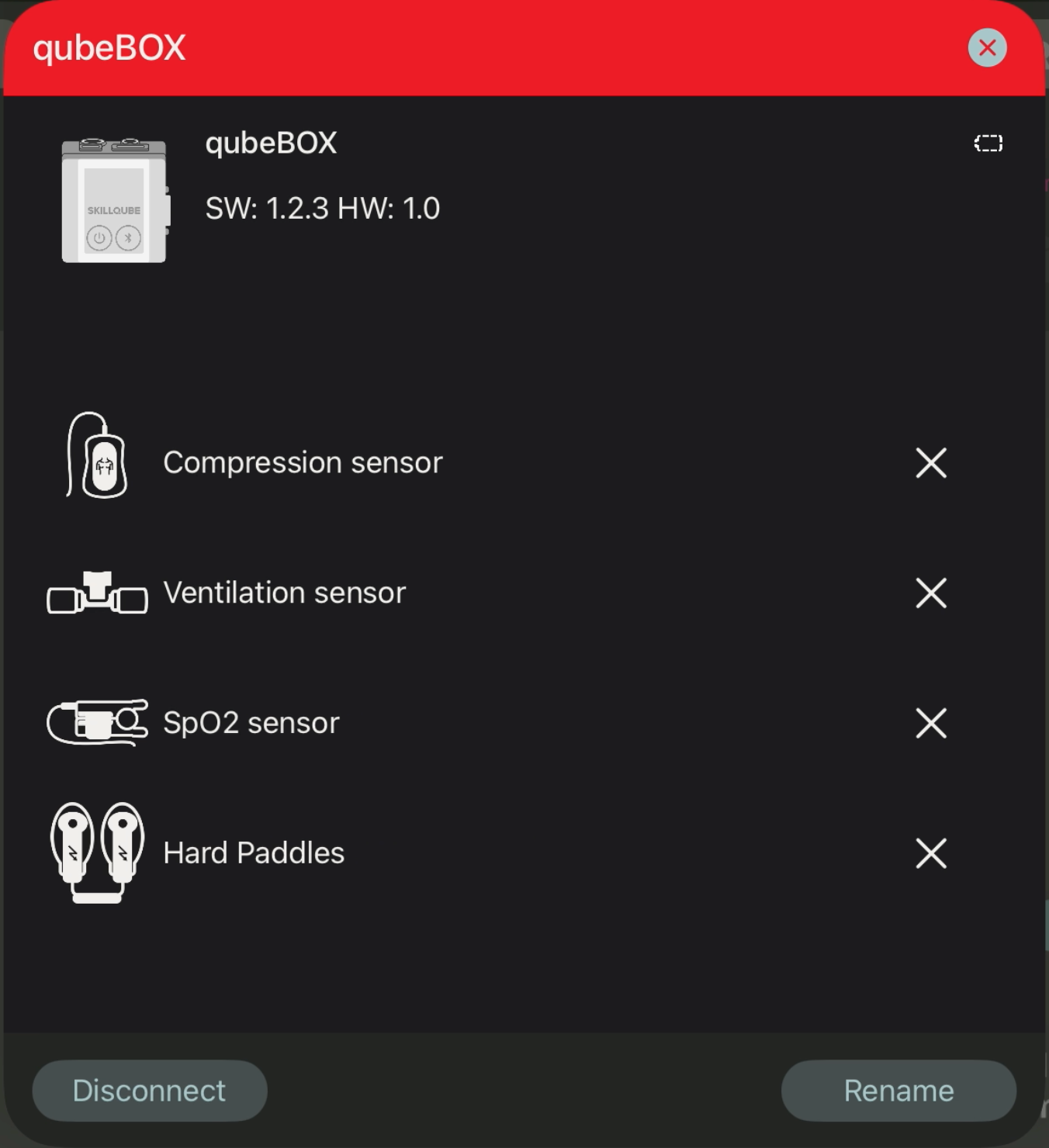
qubeBOX can be disconnected and renamed; the software and hardware versions are displayed at the top. The connection status of each sensor is also displayed. The SpO2 sensor can be recalibrated; this is only necessary if the SpO2 sensor is providing incorrect readings. Clicking on the respective sensor icon (except for the SpO2 sensor) displays additional information.