Overview
To ensure high-quality training for all participants, various products are combined within the training. The biggest challenge, however, is combining the available technology with the training in such a way that the learning objectives are achieved.
Please ensure that the software is always up to date to guarantee safe and reliable use. You can see which software version is currently installed to the right, below the software logo.
WLAN
When using the Wi-Fi network, please make sure that during your workout, you use the router provided by SKILLQUBE. If you happen to connect to a different Wi-Fi network, you must delete that connection.
https://support.apple.com/en-us/102480
AED Overview
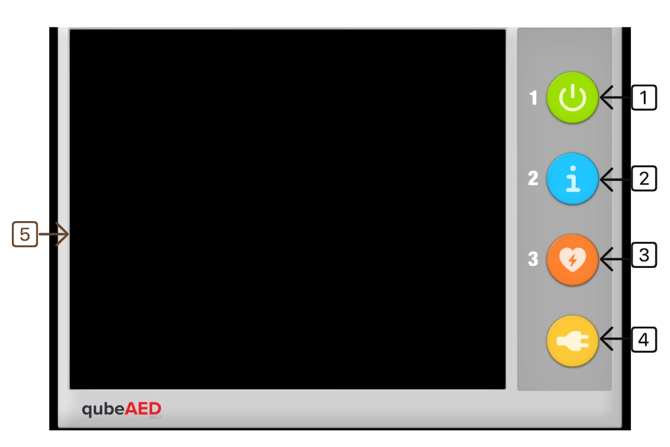
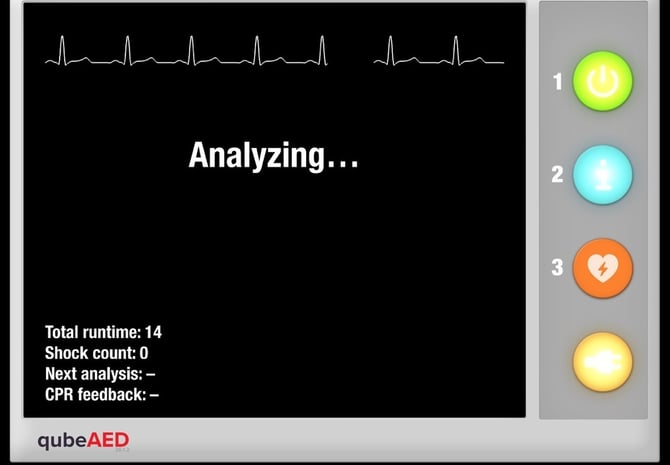
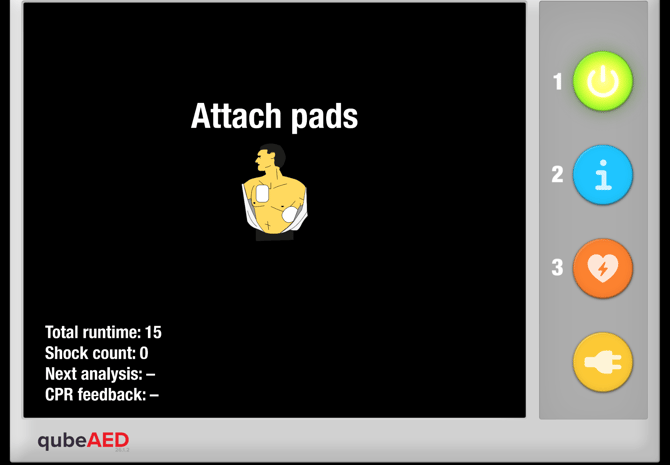
The qubeAED can be used for BLS training. It is capable of analyzing the underlying hythm and then providing a recommendation for action. The qubeAED can be connected to qubeCONTROL or used as a “stand-alone” device.
See below for more information.
- Turning on the qubeAED
- If necessary, you can manually start an analysis here. By default, the AED performs this analysis automatically every 2 minutes.
- Delivery of a shock when a shock is recommended.
- Confirmation button for connecting the defibrillation electrodes.
- Swipe from the left toward the center to open the “standalone” menu.
As shown in the image, the buttons that are activated and currently in use are backlit. In the example shown,
1, 2, and 3 are deactivated, and 4 is activated. If you were to turn on the AED now, 1 would also light up, and when an analysis is performed, 2 would light up. If a shock is recommended, 3 lights up.
“standalone” AED
Like any standard SKILLQUBE monitor, the qubeAED can be connected to and controlled by qubeCONTROL. Alternatively, it can also be used as a “standalone” solution. To do this, you can choose from various predefined scenarios. To open the menu for the predefined scenarios, swipe from the left side toward the center of the iPad, and then select the desired scenario.
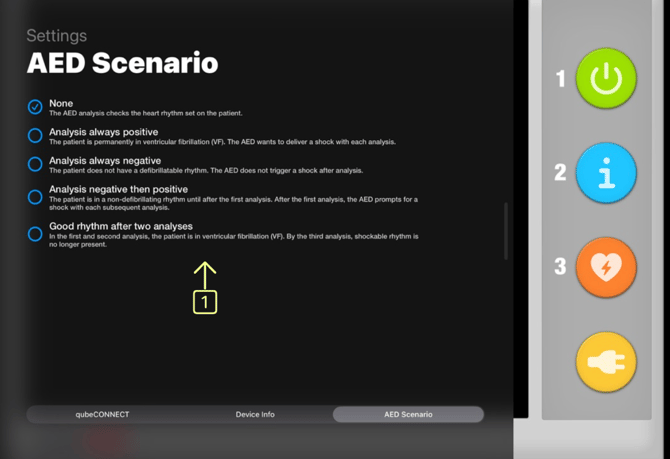
The following scenarios (1) are available:
- None—The AED operates with the controller.
- Patient in hyperdynamic cardiac arrest—It is always recommended to deliver a shock.
- Patient in hypodynamic cardiac arrest—A shock is never recommended.
- Initial analysis without a shock, then a shock—First, an analysis is performed without delivering a shock, and afterward, a shock is always recommended.
- First a shock, then no shock—The first two analyses indicate that a
- shock should be delivered, but subsequent analyses do not.
qubeAED and qubeCONTROL
If the qubeAED is connected to the qubeCONTROL, an ECG lead may be displayed. To do this, the feature must be enabled (selectable only when connected to the controller).
On the qubeAED, open the menu by swiping from the left toward the center of the iPad, then select the submenu “Settings.” You can now enable the waveforms:
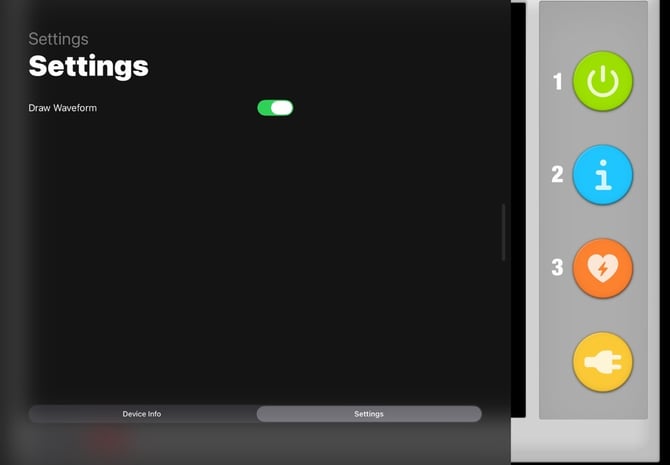
In the running scenario, the ECG rhythm set in the controller is then visible.