
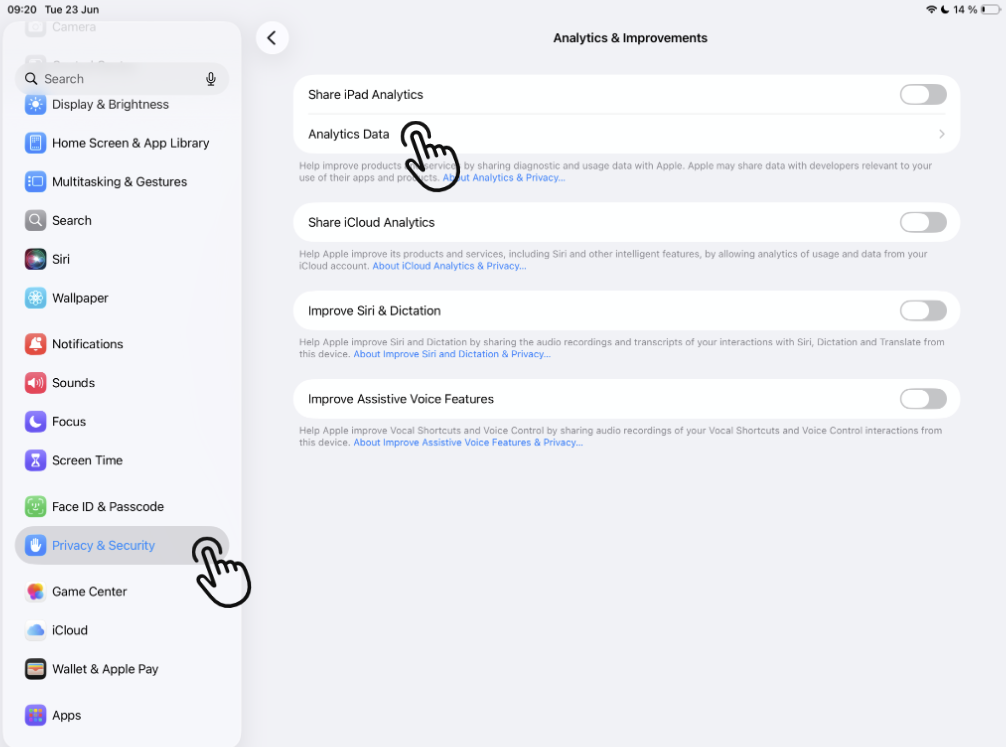
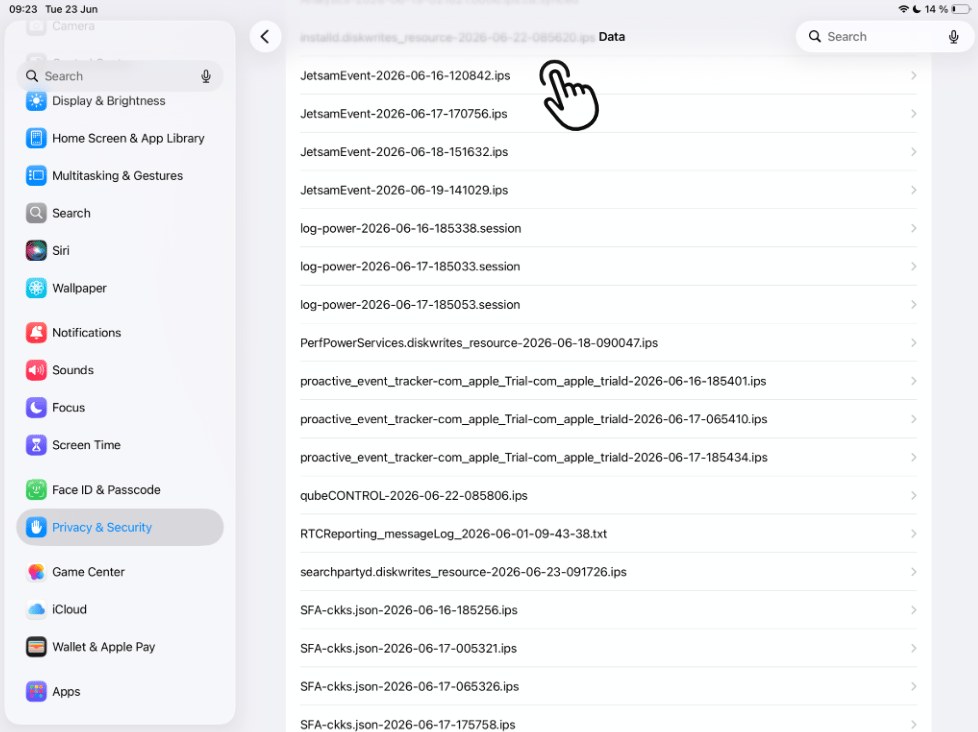
The crash reports can be found on the iPad under Settings > Privacy & Security > Analytics & Improvements > Analytics Data. Crash reports for all apps are displayed there.
The file name of a report contains the app name as well as the date and time of the crash in the format AppName-YYYY-MM-DD-HHMMSS.ips, e.g.,
qubeCONTROL-2024-06-21-095051 > Crash of qubeCONTROL on 06/21/2024 at 09:50:51 AM.
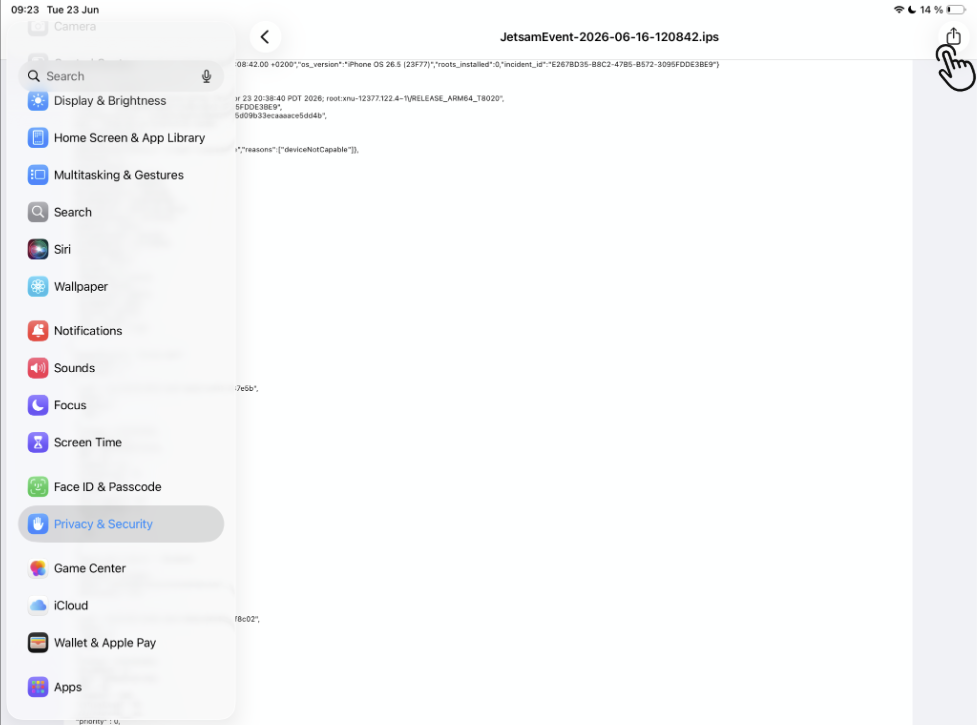
Using the Share button at the top right, the report can be sent via email or AirDrop, for example, or saved locally on the iPad.
Please send the report to support@skillqube.com